
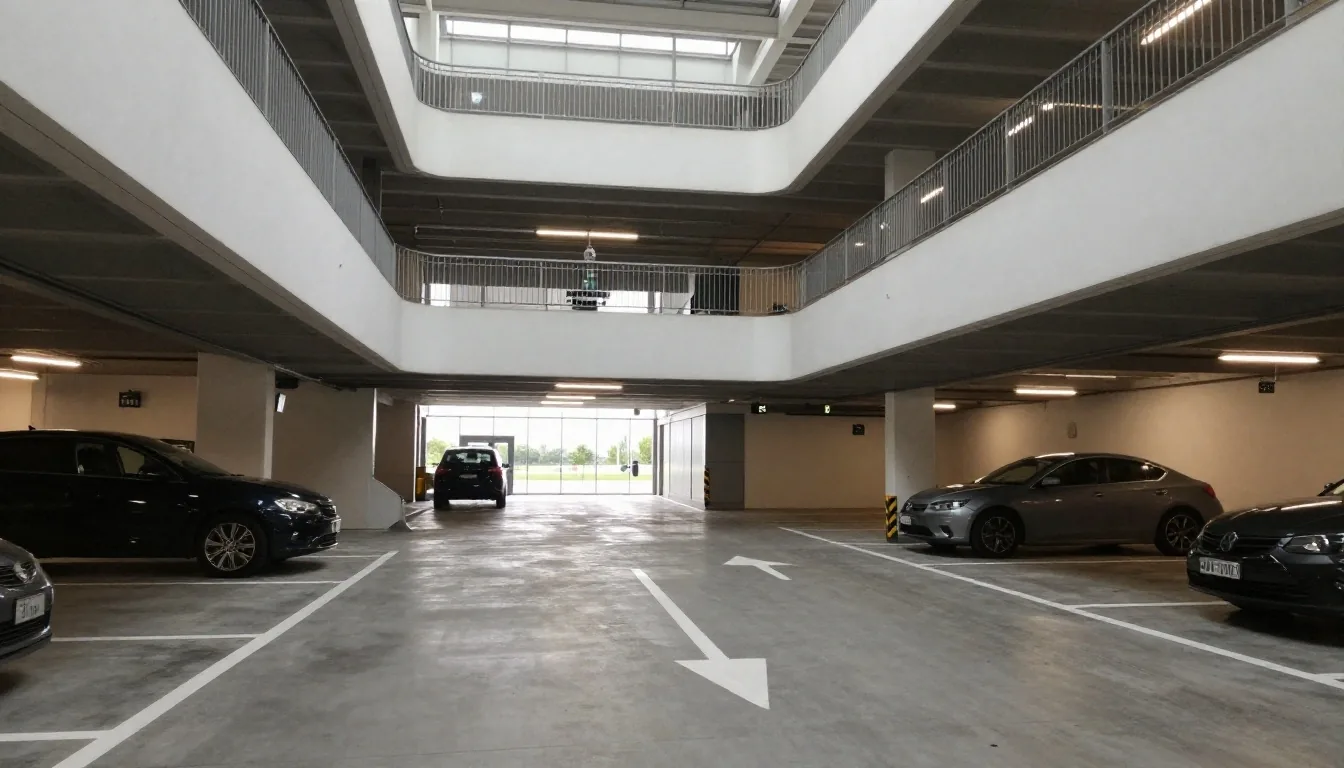
Step-by-step booking walkthrough
How to pre-book Melbourne Airport parking
Pre-booking takes a few minutes and saves the guesswork on the day. Pick dates, choose a lot, and show your confirmation at the gate.
Where you park
Departure Drive, VIC 3045
Booking desk
+61 3 9297 1600
Time needed
A few minutes online
Entry proof
Reference on phone
A calm run-through for airport parking
This page walks through pre-booking melbourne airport parking from picking your dates to showing your confirmation at the gate. Follow it once and the process is straightforward for every trip after. You compare parking melbourne airport choices, lock the total for your dates, and arrive knowing the lot address and transfer details.
Airport parking rewards a little planning. Flights leave early, traffic on the Tullamarine Freeway shifts by the hour, and terminals fill fast in school holidays. A reserved space means you drive to a known entry, allow the listed shuttle time, and keep your reference ready instead of circling for a bay.
Start a bookingKeep this order. Most morning mix-ups come from skipping one of these four checks.
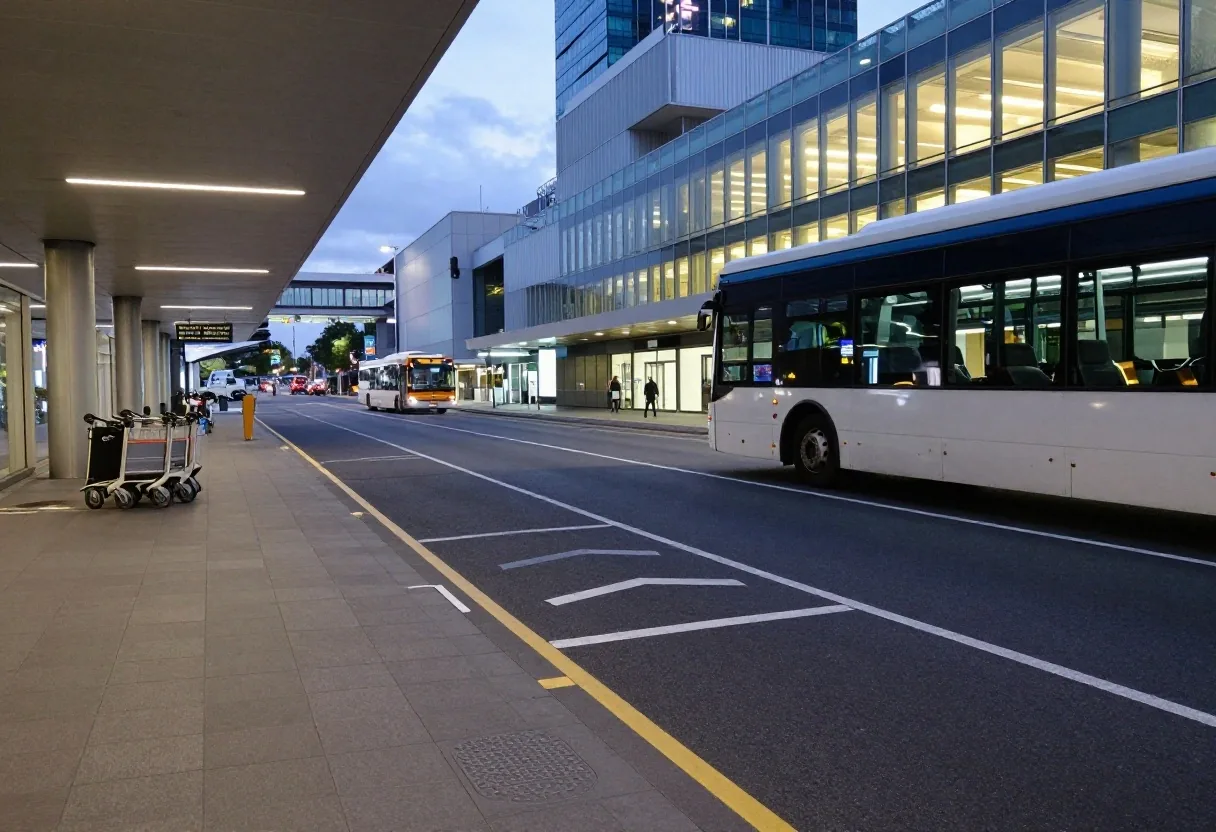
Dates first, then the lot
Step one: pick your dates and times
Enter your drop-off date and your return date, along with rough times. The quote engine uses those windows to price each lot. If your return time is uncertain, choose a buffer rather than under-booking, because overstaying a reserved window is charged at the lot.
Add an extra hour if you land late at night, travel with children, or check bags. It costs less than an overstay adjustment, and it keeps the return drive relaxed. Note public-holiday demand too — the same dates can price differently across terminals.
Step two: choose a lot
Compare the products on the parking options page, then pick the one that fits your trip. The quote shows the total for your dates, the lot address, and the transfer details. Read the entry height and shuttle interval before you confirm.
See parking optionsStep three: enter your details
Provide the vehicle registration, your name, and a contact number or email. The confirmation goes to that contact, so check it for typos. If you are booking for someone else, use their details and note it in the comments.
Use a mobile number you carry on travel day and an email you can open at the terminal. If two drivers share the car, add the second name in the notes so desk staff can match the booking quickly at entry.
Step four: confirm and pay
Payment on this site is by invoice or bank transfer, or in person at the desk. You will receive an invoice with the reference number and the amount due. Once payment clears, the reservation is locked and the confirmation is finalised.
Checklist before you press confirm
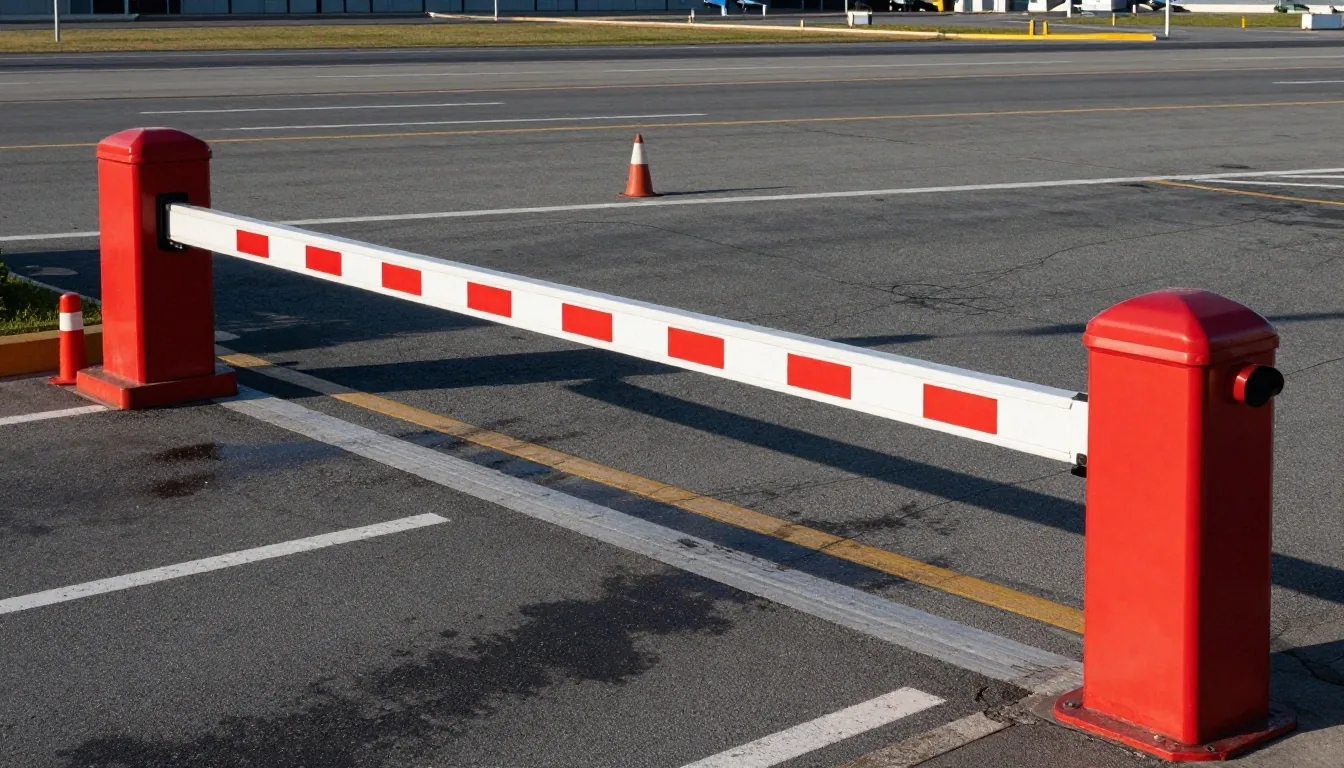
Step five: arrive and enter
On the day, drive to the lot address in your confirmation and follow the entry instructions. Some gates read your reference directly; others need it shown at the desk. Keep the number on your phone or printed, and allow the shuttle time listed for that lot.
Leave home with the shuttle interval plus ten minutes. If you park in a long-term field, walk to the marked shelter rather than the road edge, and keep luggage tickets where you can reach them. When you return, follow the same exit signs — the reference usually works both ways.
What to have ready
- Booking reference open on your phone, brightness up for the scanner.
- Same vehicle and plates as the booking, or call ahead if you swapped cars.
- Shuttle time from your confirmation, plus a small buffer before check-in closes.
Common booking mistakes
Wrong return date, wrong registration, and booking the wrong terminal are the three that come up most. Check each field before you confirm, especially if you are booking late at night after a long day. A five-second review saves a phone call on the morning of your flight.
Return date slips by one day
Red-eye returns land after midnight. Match the calendar day you drive out, not the day you take off, then add that buffer hour.
One letter off the plates
Cameras read exactly what you typed. Step outside and look at the plates rather than trusting memory, then type slowly.
Right airport, wrong terminal walk
Check your airline terminal on the ticket first. A lot near T4 feels long if you fly from T2 with heavy bags and a tight shuttle.
Changing or cancelling a booking
Amendments are handled through the confirmation link or by phone, within the window set out in the terms. Any administration fee is shown before you confirm the change. Cancellations follow the same rules, and refunds where applicable are processed back through the original method.
Change dates as soon as your flights shift — closer to entry, fewer options remain. Keep the original reference until the new confirmation arrives, so nothing is lost between versions.
How do I change the dates?
Open the confirmation link and pick new entry and exit windows, or call the desk with your reference ready. The updated total and any fee show before you accept, then a fresh confirmation replaces the old one.
How do refunds work?
If the terms allow a refund for your lot and notice window, it returns through the original payment path — invoice, transfer reversal, or desk refund. Timing follows your bank, so keep the receipt until it lands.
What if my flight is delayed?
That is why the buffer matters. Short delays usually fall inside it. For long delays, call the desk with your reference and new arrival estimate so the lot can note the overstay rate from your confirmation.
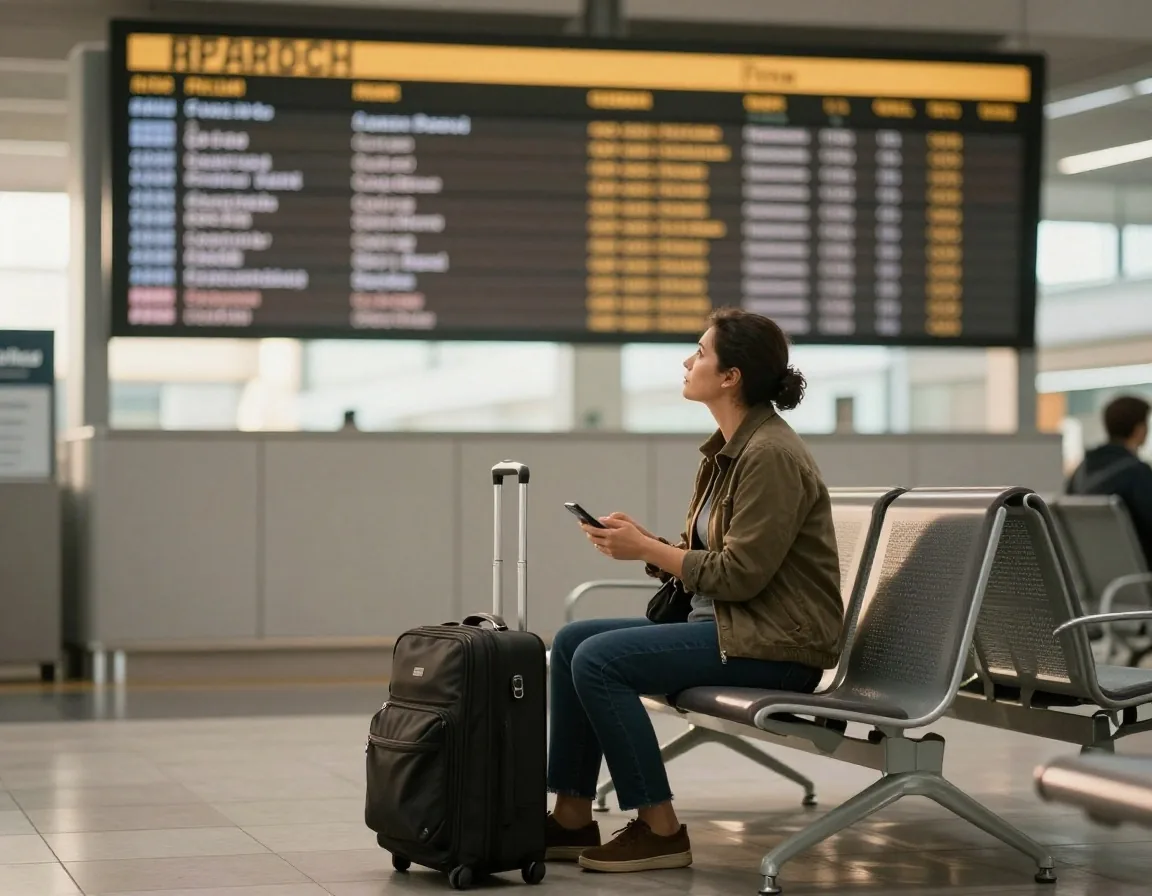
Getting help with a booking
If something is unclear, call +61 3 9297 1600 or use the contact page. Have your reference number ready. We can check availability, adjust details, and explain the terms for your chosen lot.
The desk sits at Level 2, Terminal 2, Departure Drive, Melbourne Airport, VIC 3045, Australia, and answers daily around the clock. For the fastest help, send your reference, plates, and new dates in one message.
Ready when you are
Your space is a short form away.
Dates, lot, details, confirmation. Start with the options, then send the booking through the desk. We hold the bay — you keep the travel day simple.
Desk: +61 3 9297 1600 — open daily, 24 hours